How to Create an Invoice Tracker for a Small Business
Learn how to create an invoice tracker for a small business in Excel or Google Sheets, including invoice numbers, payment status, due dates, overdue invoices, and client records.
FINANCE
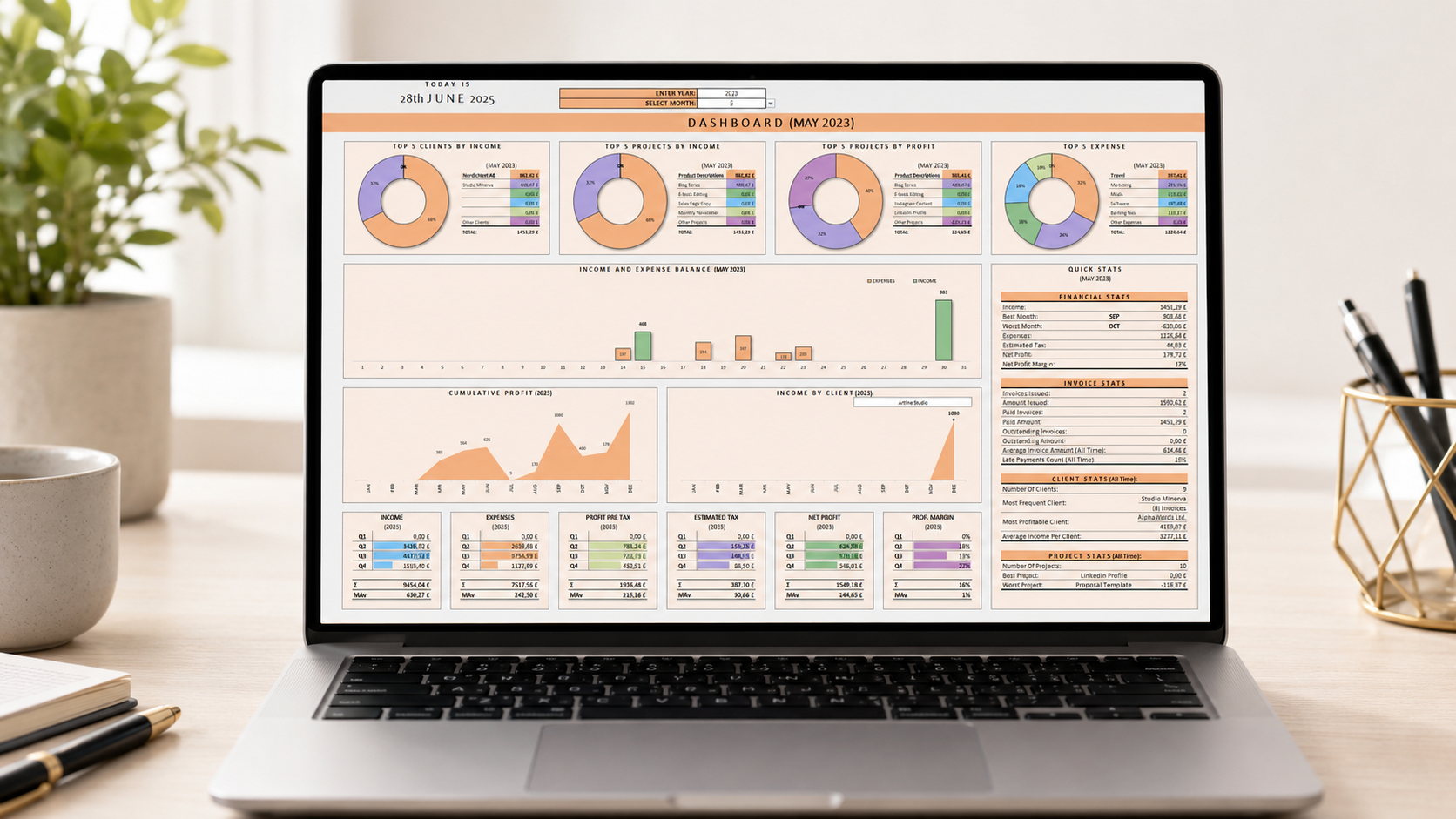
Keeping track of invoices is one of the most important parts of running a small business. Even if your business is simple, it can quickly become difficult to remember which invoices were sent, which clients have paid, which payments are overdue, and how much income is still outstanding.
An invoice tracker helps you keep all invoice records in one organized place. It can be especially useful for freelancers, consultants, online sellers, service providers, and small business owners who want a simple overview of their income without using complex accounting software.
In this guide, we will look at what an invoice tracker should include, how to structure it in Excel or Google Sheets, and when a ready-made spreadsheet template can help you save time.
Why small businesses need an invoice tracker
When a business is small, it may feel easy to track invoices manually. You might remember which clients have paid, check your bank account, or keep invoice files in a folder. But as soon as you have multiple clients, due dates, partial payments, or recurring work, manual tracking becomes risky.
A spreadsheet-based invoice tracker can help you:
see all invoices in one place;
track invoice numbers and issue dates;
monitor due dates;
identify unpaid or overdue invoices;
summarize paid and unpaid income;
review client payment history;
prepare simple monthly or yearly income reports;
reduce the risk of missing payments.
For many small businesses, a well-structured spreadsheet is enough to stay organized, especially when combined with separate invoice PDF files or an invoice maker template.
What should an invoice tracker include?
A useful invoice tracker should be clear, consistent, and easy to update. It does not need to be complicated, but it should include enough information to give you a reliable overview of your business income.
1. Invoice number
Every invoice should have a unique invoice number. This helps you identify each invoice quickly and avoid confusion when communicating with clients.
Your invoice number can be simple, such as:
INV-001
2026-001
CLIENT-001
YPA-2026-001
The most important thing is consistency. Once you choose a numbering format, use it the same way for every invoice.
2. Client information
Your tracker should include basic client details, such as:
client name;
company name, if applicable;
email address;
billing address;
contact person;
payment terms.
If you work with repeat clients, it can be helpful to keep a separate client database. This allows you to select the client from a dropdown and reduce repeated typing.
3. Invoice issue date and due date
The invoice issue date shows when the invoice was created. The due date shows when payment is expected.
Tracking both dates helps you understand:
how long clients take to pay;
which invoices are approaching their due date;
which invoices are overdue;
how much money is expected soon.
A good invoice tracker can use these dates to highlight unpaid or overdue invoices automatically.
4. Invoice amount
Your tracker should include the full invoice amount. Depending on your business, this may include:
subtotal;
VAT or sales tax;
discount;
total amount;
currency;
amount paid;
outstanding balance.
If your business works with different currencies, it is helpful to clearly mark the currency used for each invoice or set a default currency for the whole tracker.
5. Payment status
Payment status is one of the most useful parts of an invoice tracker. Common statuses include:
Draft;
Sent;
Paid;
Partially paid;
Overdue;
Cancelled.
Using a dropdown for status keeps the tracker clean and consistent. It also makes it easier to filter invoices or create dashboard summaries.
6. Payment date
Once an invoice is paid, record the payment date. This helps you review client payment behavior and calculate how long it usually takes to receive money.
For example, you may notice that one client usually pays within 5 days, while another regularly pays late. This information can help you adjust payment terms or follow-up routines.
7. Notes or follow-up information
A notes column can be useful for short comments, such as:
reminder sent;
client requested changes;
payment expected next week;
partial payment received;
invoice corrected;
waiting for approval.
This keeps important context next to the invoice record instead of scattered across emails or messages.
How to organize an invoice tracker in Excel
An invoice tracker can be very simple, but it should be structured properly from the beginning. A clean structure makes the spreadsheet easier to use and easier to expand later.
Create a main invoice table
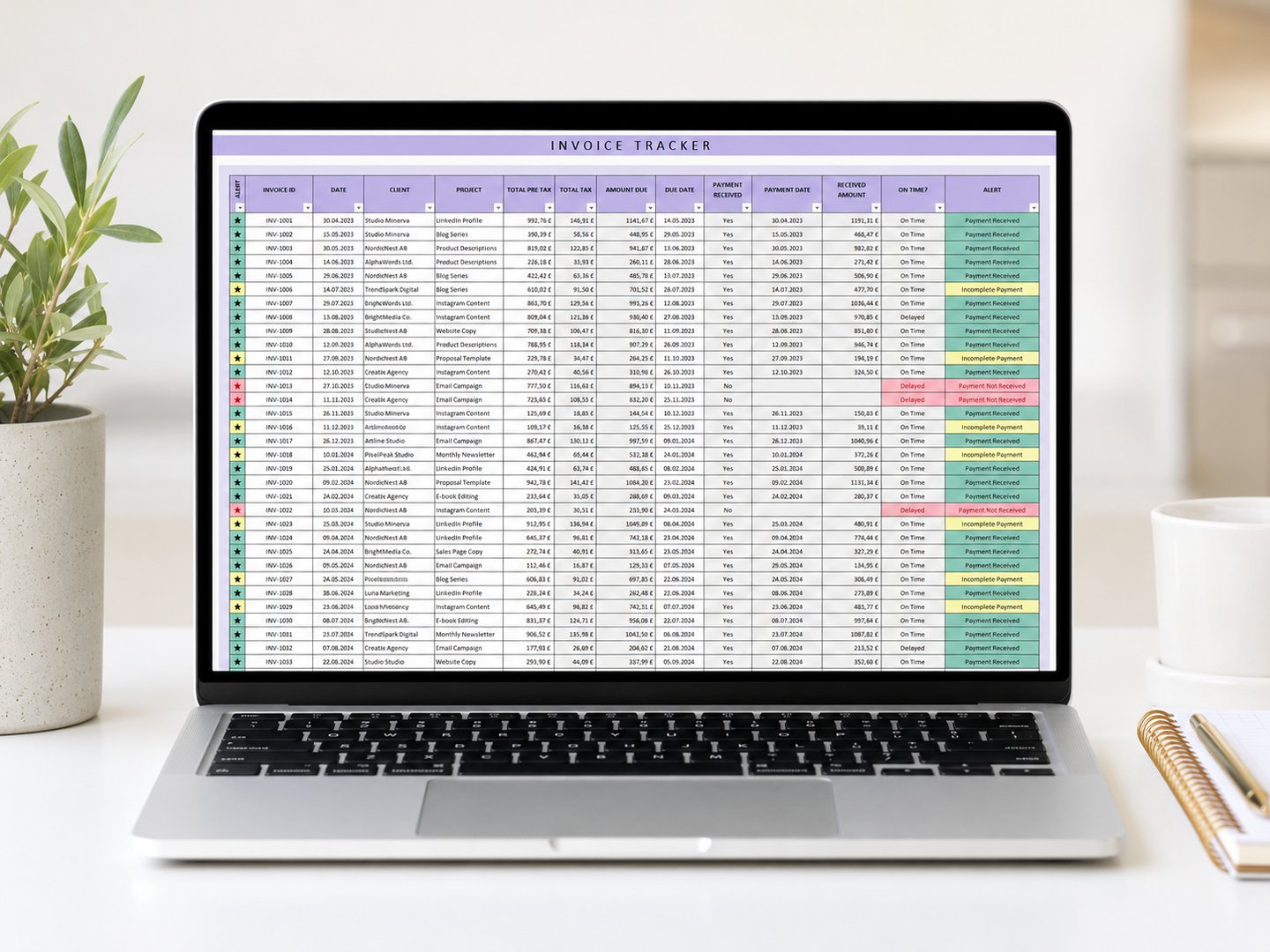
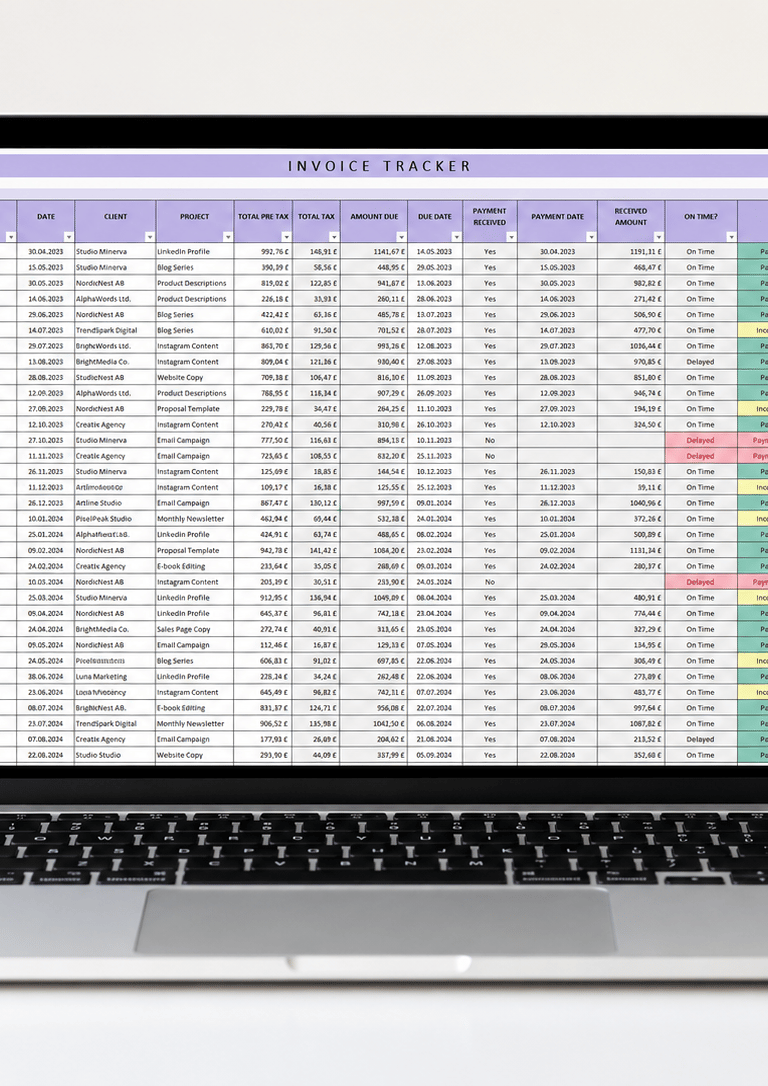
The main invoice table should contain one row per invoice. Each column should represent one type of information, such as invoice number, client, invoice date, due date, amount, and status.
Avoid merging cells in the main data table. Merged cells can make sorting, filtering, formulas, and reporting harder.
Use dropdowns where possible
Dropdowns help reduce typing errors. You can use them for:
client names;
invoice status;
payment method;
currency;
service or product names.
This keeps your data consistent and makes summary reports more reliable.
Add automatic warnings
Conditional formatting can help highlight important records. For example:
overdue invoices in red;
invoices due soon in yellow;
paid invoices in green;
missing due dates or invoice numbers.
Visual warnings make it easier to find problems without manually checking every row.
Build a simple dashboard
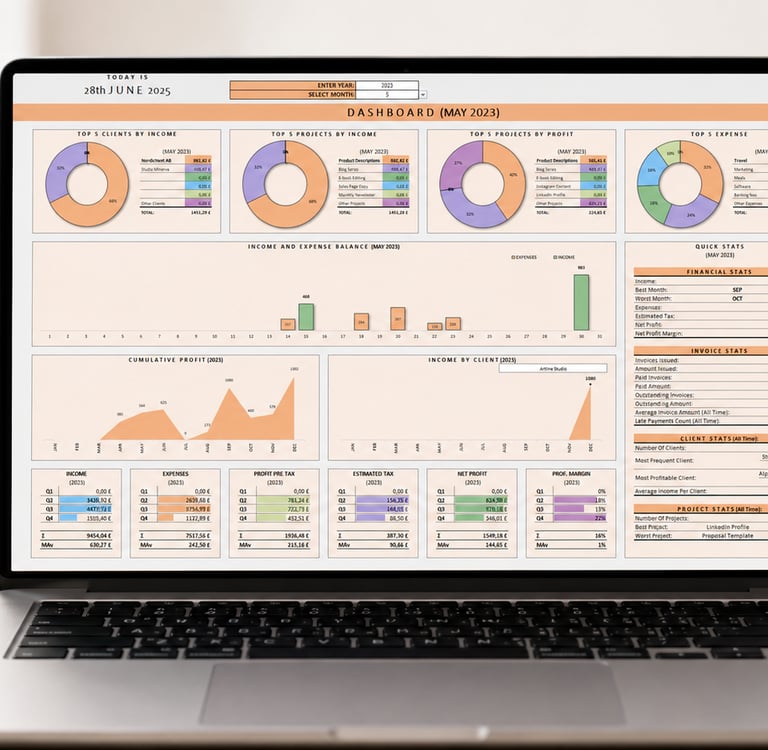
A dashboard is not required, but it can make the tracker much more useful. It can summarize the most important information in one place.
A small business invoice dashboard may show:
total invoiced amount;
total paid amount;
unpaid amount;
overdue amount;
monthly income;
top clients;
number of unpaid invoices;
invoices due soon.
This helps you see the financial picture faster than reviewing the invoice table row by row.
Common invoice tracking mistakes
Small invoice tracking mistakes can lead to missed payments, duplicate invoice numbers, or inaccurate income reports. Here are some issues to watch for.
Forgetting to update payment status
If you receive payment but forget to update the tracker, your records will not match reality. Set a habit to update the tracker as soon as you confirm payment.
Using inconsistent client names
If the same client appears under different names, summaries may become inaccurate. For example, “ABC Ltd”, “ABC Limited”, and “ABC” may be treated as separate clients.
A client dropdown can help prevent this.
Not tracking due dates
Without due dates, it is harder to identify late payments. Every invoice should have a due date, even if the payment terms are simple.
Mixing invoices and expenses in the same table without structure
Some businesses track income and expenses in one workbook, which can be useful. But invoices should still be clearly separated from expenses or categorized properly so reports stay clean.
Not keeping backup copies
Always keep backups of important business spreadsheets. Store copies securely and avoid relying on only one local file.
Invoice tracker vs invoice maker
An invoice tracker and an invoice maker are related, but they are not the same thing.
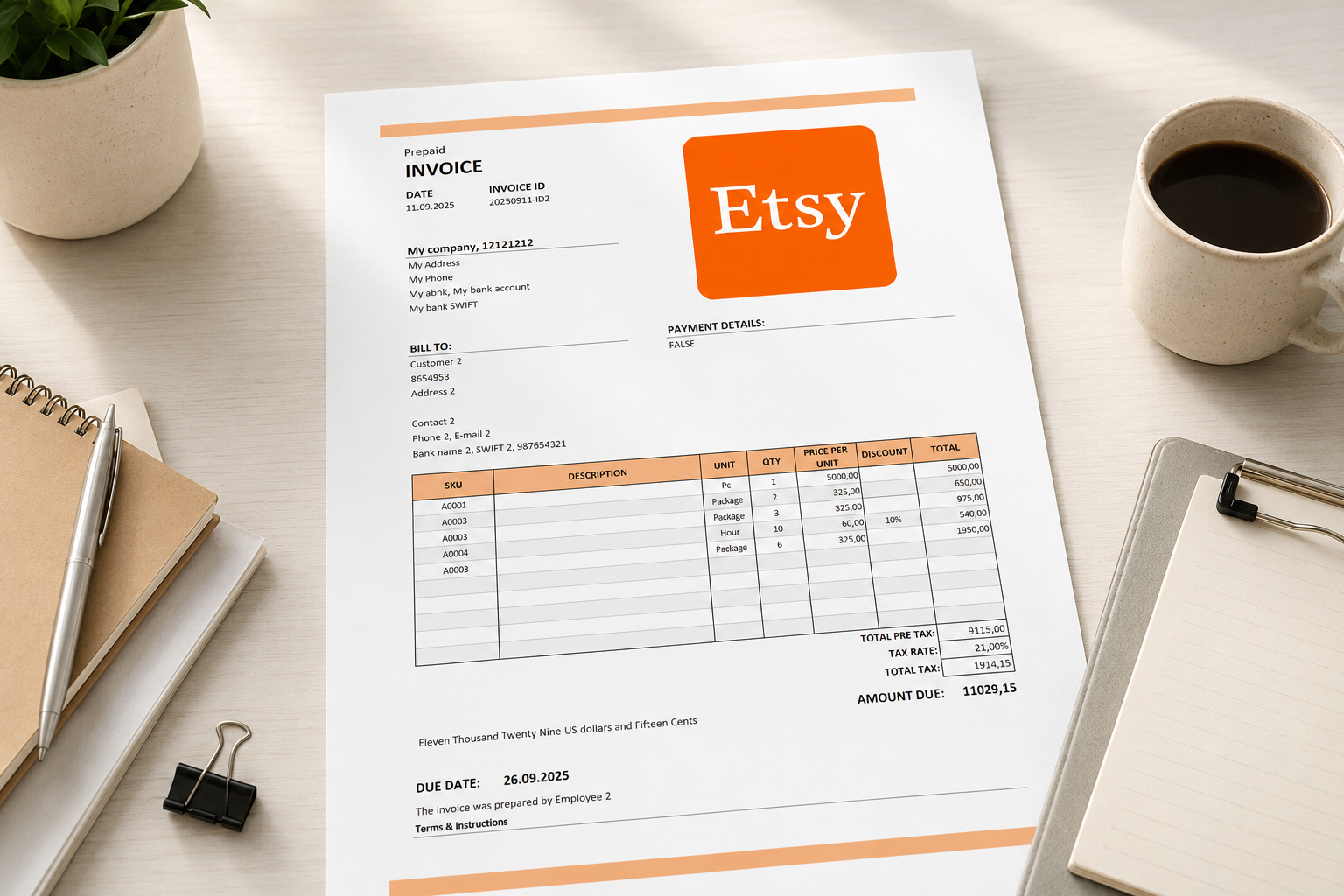
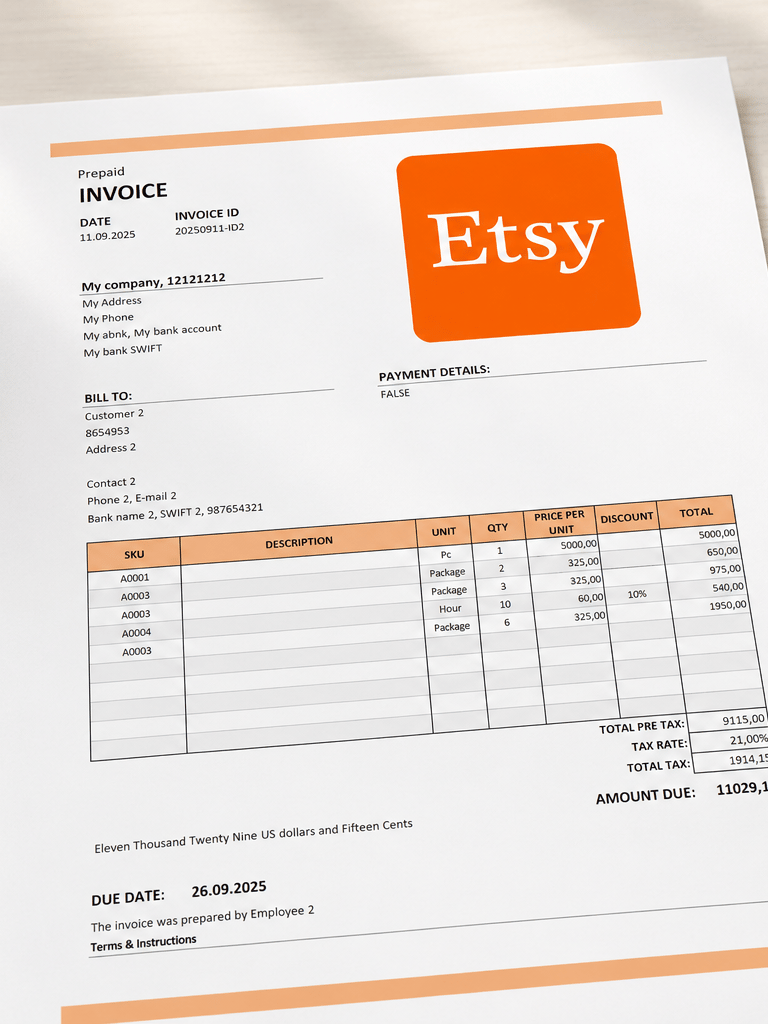
An invoice maker helps you create invoice documents for clients. It usually includes fields for company information, client details, invoice items, taxes, discounts, totals, and payment terms.
An invoice tracker helps you monitor invoice records after they are created. It shows which invoices were issued, which are paid, which are overdue, and what amounts are still outstanding.
Many small businesses benefit from using both:
an invoice maker to create invoices;
an invoice tracker to monitor payments and income.
A combined spreadsheet template can be especially useful if it connects client information, invoice creation, payment tracking, and summary reports in one workbook.
Building your own tracker vs using a ready-made template
You can build your own invoice tracker in Excel or Google Sheets if you are comfortable with tables, formulas, dropdowns, conditional formatting, and dashboard summaries.
Building from scratch gives you flexibility, but it can take time to create a structure that is easy to maintain. You also need to test formulas carefully to avoid incorrect totals or missed overdue warnings.
A ready-made invoice tracker can help you start faster. Instead of designing the workbook yourself, you can enter your clients, invoice records, payment statuses, and business information into a structured file.
When choosing a ready-made invoice tracker, check whether it includes:
invoice log or tracker;
client database;
payment status tracking;
due date and overdue warnings;
income summaries;
dashboard or reports;
invoice print layout, if needed;
currency options;
Excel or Google Sheets compatibility;
clear user instructions.
Final thoughts
An invoice tracker is a practical tool for small businesses that want a clearer view of income, unpaid invoices, and client payments. It does not need to be complicated, but it should be consistent, easy to update, and structured around the information you actually need.
Excel and Google Sheets can work well for invoice tracking because they are flexible and familiar. With a clear table, dropdowns, formulas, visual warnings, and summaries, you can create a simple system for managing invoices without complex software.
If you do not want to build an invoice tracker from scratch, a ready-made spreadsheet template can help you start faster with structured invoice records, payment tracking, client details, and visual summaries.
Need a ready-made invoice tracker?
View the related Invoice Tracker or Invoice Maker template on Etsy.